Why Regular WordPress Updates are Essential
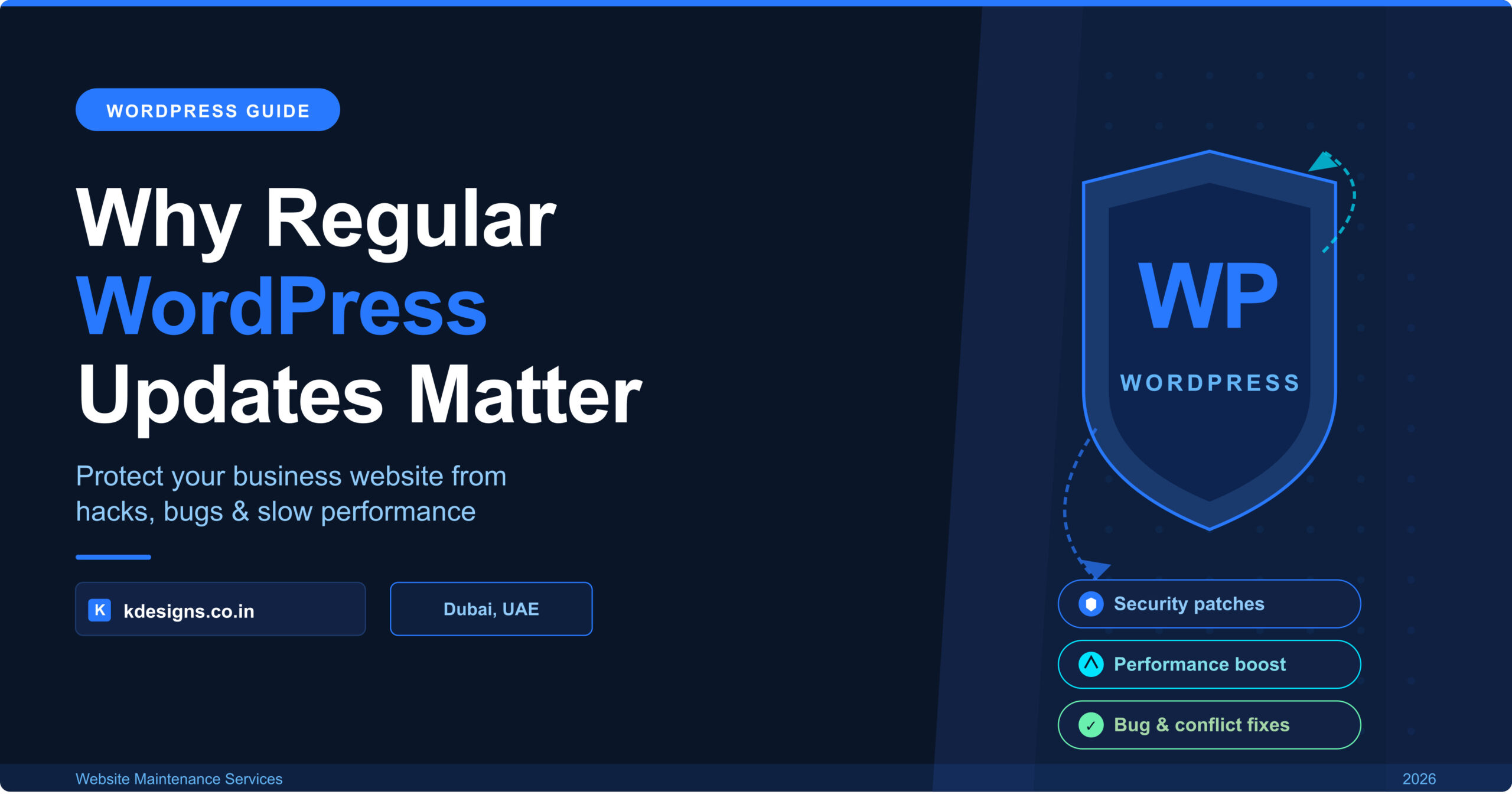
Your WordPress website might look perfectly fine on the surface — but if your plugins haven’t been updated in the last 90 days, you could be one vulnerability away from a full site breach. For Dubai businesses that rely on their website for leads, bookings, or sales, skipping WordPress maintenance isn’t a small oversight. It’s a business risk.
WordPress powers over 43% of all websites on the internet. That popularity makes it a prime target for hackers, bots, and automated exploit tools that scan millions of sites daily looking for outdated software. The good news? Most attacks are entirely preventable — with nothing more than timely updates and a consistent maintenance schedule.
In this guide, we’ll break down exactly why regular WordPress updates matter, what happens when you ignore them, and how to keep your site secure, fast, and ranking — whether you’re managing it yourself or working with a WordPress maintenance service in Dubai.
What Happens When You Ignore WordPress Updates?
Skipping updates might feel harmless — especially when your site appears to be working fine. But under the surface, outdated WordPress installations accumulate problems that compound over time. Here’s what you’re risking:
1. Security vulnerabilities pile up
Every outdated plugin, theme, or core version is a potential entry point for hackers. Cybercriminals actively search for sites running known vulnerable versions of popular plugins like WooCommerce, Elementor, Yoast SEO, and Contact Form 7. Once they find one, automated bots can inject malware, steal customer data, or take your site offline within minutes.
UAE Compliance Note: Under UAE cybersecurity regulations and the Dubai Electronic Security Center (DESC) guidelines, businesses are expected to maintain secure digital infrastructure. A hacked website can expose you to legal and reputational risk.
2. Broken functionality and plugin conflicts
WordPress is an ecosystem. Plugins, themes, and the core platform are all developed independently — meaning they’re constantly being updated to work together. When one piece falls behind, conflicts emerge. You might notice forms that stop submitting, payment gateways that fail, or page builders that display incorrectly on mobile.
3. SEO rankings drop
Google factors website security, speed, and technical health into its rankings. A site flagged for malware by Google Safe Browsing is immediately blacklisted — meaning it disappears from search results until the issue is resolved and a re-review is requested. Even without a full hack, slow page loads caused by bloated or outdated plugins can directly hurt your Core Web Vitals scores and push you down the rankings.
4. Compatibility breaks with new technologies
PHP — the server-side language WordPress runs on — releases new versions regularly. Running PHP 7.4 in 2026 while competitors run PHP 8.2 means slower execution speeds, reduced security, and potential incompatibility with newer plugins. Many hosting providers in the UAE will eventually force PHP upgrades, which can break sites that haven’t been maintained.
Core Updates vs Plugin Updates vs Theme Updates: What’s the Difference?
Not all WordPress updates are the same. Understanding what each one does helps you prioritise and stay on top of maintenance without feeling overwhelmed.
Update Type | What It Covers | How Often | Risk if Skipped |
WordPress Core | Core platform, security patches, new features | Monthly / Auto | Critical vulnerabilities |
Plugins | 3rd-party add-ons, integrations, forms, SEO tools | Weekly check | Most common attack vector |
Themes | Design templates, page builders, child themes | Monthly | Visual breaks, PHP errors |
PHP Version | Server-side language WordPress runs on | Every 1-2 years | Performance & security gaps |
WordPress Core Updates
These are released by Automattic (the company behind WordPress) and cover the fundamental platform. Minor releases (e.g., 6.4.1 to 6.4.2) are mostly security patches and should be applied immediately. Major releases (e.g., 6.4 to 6.5) add new features and may require compatibility testing with your existing plugins and theme before applying.
Plugin Updates
Plugins are the most common attack surface. According to WPScan, over 97% of WordPress vulnerabilities in recent years were found in plugins — not the core. Even a low-traffic plugin you installed once and forgot about can be the entry point for a breach. Perform a plugin audit at least quarterly: deactivate and delete anything you no longer use.
Theme Updates
Your theme controls how your site looks and interacts with your content. Outdated themes — especially premium page builders like Divi, Avada, or Astra — can cause visual glitches, mobile responsiveness issues, and compatibility problems with newer WordPress versions. Always test theme updates in a staging environment before applying to your live site.
How Outdated Plugins Put Your Website at Risk
To understand the scale of the risk, consider this: WPScan’s vulnerability database lists thousands of known vulnerabilities across WordPress plugins — many of which are patched in routine updates that site owners never apply.
Here’s how a typical attack unfolds on an unmaintained WordPress site:
- An automated scanner identifies that your site is running Plugin X version 2.1.3 — a version with a known SQL injection vulnerability.
- The attacker exploits the vulnerability to gain database access, extracting customer email addresses, order history, or admin credentials.
- Malicious code is injected into your site files, redirecting visitors to phishing pages or serving malware downloads.
- Google detects the malware and blacklists your domain. Your site vanishes from search results. Revenue drops overnight.
The fix? Apply the patch that was released in Plugin X version 2.1.4 — an update that took 30 seconds to run.
For Dubai e-commerce sites, the stakes are even higher. A breach involving customer payment data can result in chargebacks, loss of payment processor access, and damage to your brand reputation in a competitive UAE market.
Compatibility Issues and Why They Break Your Site
Updates aren’t just about security — they’re about keeping your site’s components speaking the same language. Here are the most common compatibility issues that arise from delayed updates:
- PHP version mismatches: Plugins built for PHP 8.x may throw fatal errors on older PHP versions, causing white screens or broken functionality.
- WooCommerce conflicts: WooCommerce releases frequent updates, and payment gateway plugins (Stripe, PayTabs, Telr) must stay in sync. Version gaps cause checkout failures.
- Page builder clashes: Elementor, Divi, and WPBakery each have their own update cycles. Falling behind on one while the other updates can break entire page layouts.
- REST API breakages: Many modern WordPress themes and plugins rely on the REST API. Outdated core files can silently disable endpoints, breaking forms, sliders, and dynamic content.
The safest approach is to always back up your site before applying updates — and to test on a staging environment when making multiple updates at once. A professional wordpress maintenance service in Dubai will handle this testing automatically as part of your monthly plan.
How Often Should You Update Your WordPress Website?
There’s no single right answer — but for most business websites, the following schedule keeps risk low and the site performing well:
Frequency | Tasks |
Every week | Check for plugin/theme updates, review uptime monitoring alerts, check Google Search Console for errors |
Monthly | Run full site backup before updates, apply WordPress core update, update all plugins & themes, test site functionality after updates, check page speed scores |
Quarterly | Review PHP version compatibility, audit installed plugins (remove unused), run full security scan, update sitemap, review broken links |
Annually | Consider PHP major version upgrade, review hosting plan & SSL certificate, full UX & SEO audit |
Can I enable automatic WordPress updates?
Yes — WordPress supports automatic minor updates (security patches) by default. You can also enable auto-updates for plugins via the Dashboard > Plugins screen. However, for business-critical sites, it’s better to have a human test updates before applying them to avoid unexpected conflicts.
What if an update breaks my site?
This is why backups are non-negotiable. If an update causes a problem, a reliable backup lets you restore your site to its pre-update state within minutes. Daily automated backups should be part of every WordPress maintenance plan.
Do I need to update my site if nothing seems broken?
Yes. Many vulnerabilities are silent — your site can be compromised and show no visible symptoms while serving malware to visitors or leaking data. Regular updates and security scans are the only way to catch these issues before they escalate.
Need WordPress maintenance
for your Dubai business website?
we’ll review your plugin versions, security setup, and update history and tell you exactly where your site stands.